Interested in getting started digital planning?
Want to test out some Snazzy Pixels digital planners?
You’ve come to the right place!
Digital planners are hyperlinked PDF files and in order to get the most out of them, you will need to install a PDF annotation app on your tablet. As long as your tablet is running the iOS, Android OS, or Windows operating system, then these apps are available in your device’s App Store (**sold separately**).
Please Note: Amazon Kindles and Fire tablets DO NOT run the full Android OS and aren’t compatible. iPhones, mobile phones, and laptops are not recommended for digital planning because of small screen size and lack of stylus support.
Here are my top picks for each operating system 😊:
Android OS
Goodnotes
Noteshelf

Samsung Notes (Samsung Tablets only)
iOS
Goodnotes
Notability
Windows
Goodnotes
Noteshelf
There are TONS of PDF annotation apps out there, here are just a few others:
iOS: Noteshelf, Zinnia Journal, Collanote, Freenotes
Android: Penly
Windows: PDFElement, Xodo
Now that you have a PDF annotation app installed, it’s time to test out some digital planners! Depending on which planner you’re interested in, read the quick sample descriptions and download the planner to your device. Then, open up your PDF annotation app and use the Plus Import feature to import the planner document and take it for a test drive. 😎
In order to use the hyperlinked tabs and icons, you must turn on Read Only mode in your PDF annotation app.
- In Goodnotes (iOS) this is the Pencil with a Squiggle Icon on the blue toolbar. Tap on it to hide your editing tools and turn off Edit Mode. Then, you can use the links with 1 tap.
- In Notability (iOS) this is the Hand Icon. Tap on it to use hyperlinks in the planner.
- In Noteshelf (Android/Windows) this is a Pen with a Slash Icon (Android) or PDF with an Eye Icon (Windows).
- In Samsung Notes tap the Book Icon to hide your editing tools and enter Read Only mode.
Digital Daily Planner Sample
Click the hyperlinked icons on the top right and explore the first week of January to get a feel for the monthly/weekly/daily layouts. It’s also a Google Calendar links version, so test out the Calendar Icons on the monthly/daily pages, and the hourly links on the daily pages, so you can see how the auto-fill of the date/time work on the Add Event template.
Want to learn more or purchase? Check out the listing in my Etsy Shop! 😊
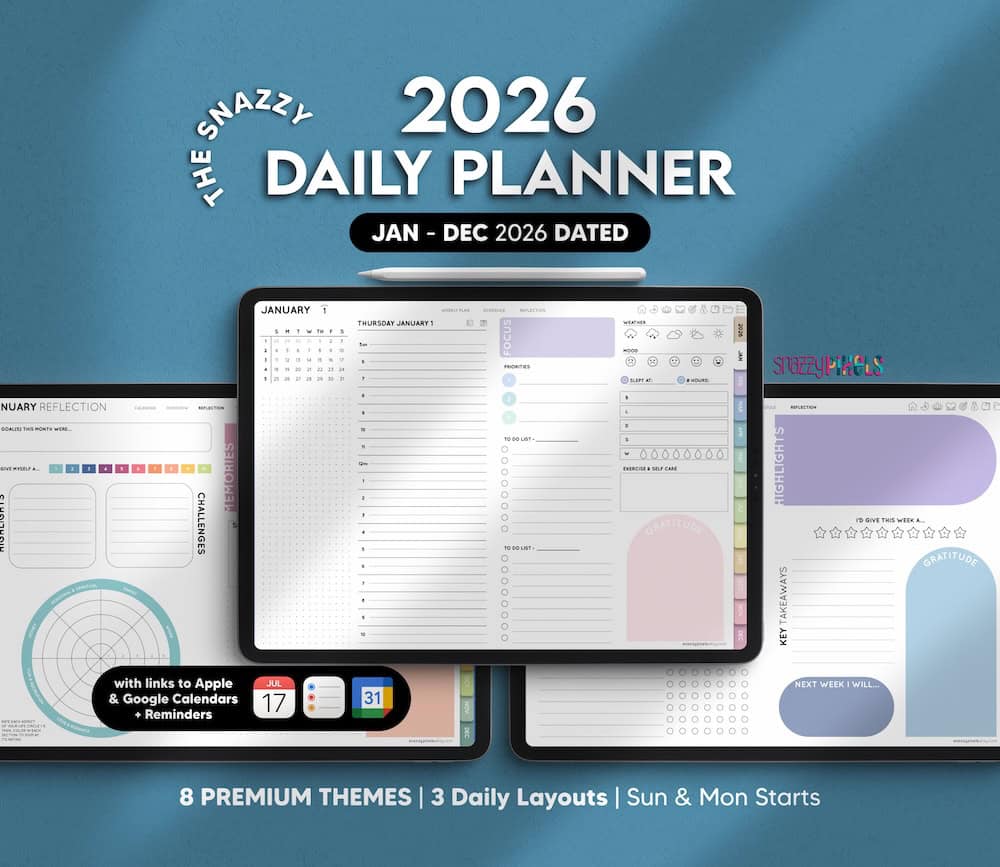
Custom Digital Daily Planner (Landscape)
Digital Daily Planner Sample
Click the hyperlinked icons on the top right and explore the first week of January to get a feel for the monthly/weekly/daily layouts. It’s also a Google Calendar links version, so test out the Calendar Icons on the monthly/daily pages, and the hourly links on the daily pages, so you can see how the auto-fill of the date/time work on the Add Event template.
Want to learn more or purchase? Check out the listing in my Etsy Shop! 😊
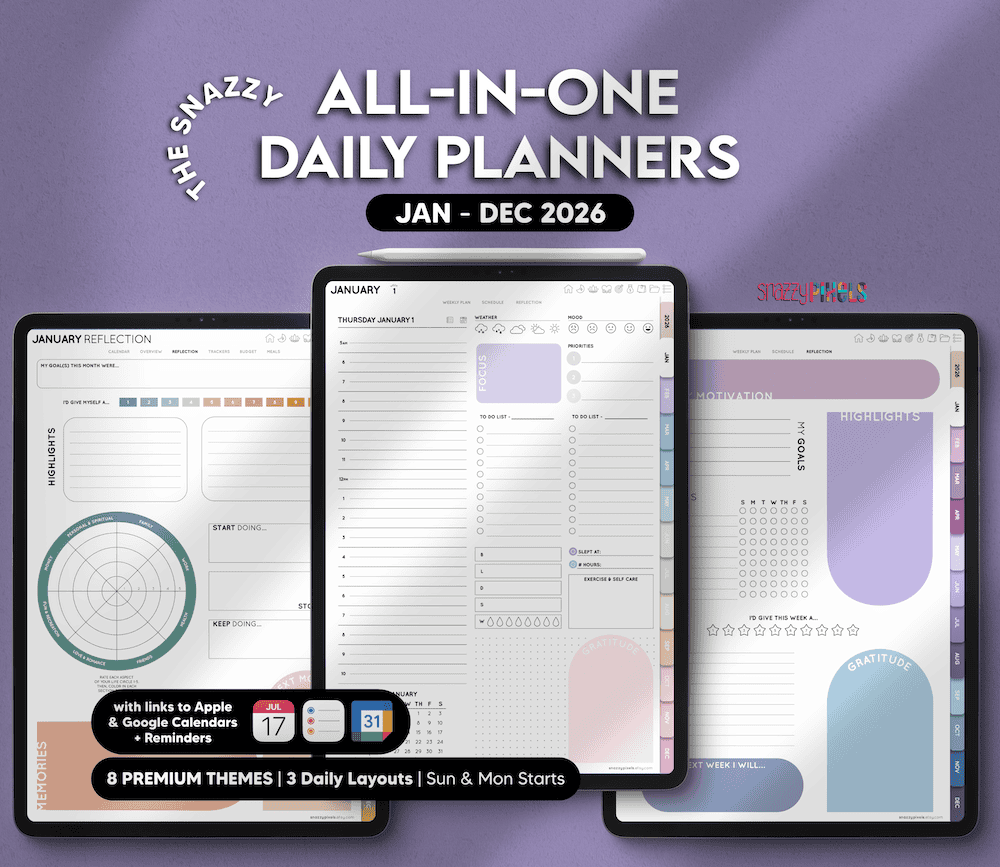
Custom Digital Daily Planner (Portrait)
Digital Student Planner Sample
Click the hyperlinked icons on the top right and explore the first week of August to get a feel for the monthly/weekly/daily layouts. Also be sure to tap on the School Icon on the top right and explore the student planner templates. It’s also a Google Calendar links version, so test out the Calendar Icons on the monthly/daily pages, so you can see how the auto-fill of the date/time work on the Add Event template.
Want to learn more or purchase? Check out the listing in my Etsy Shop! 😊
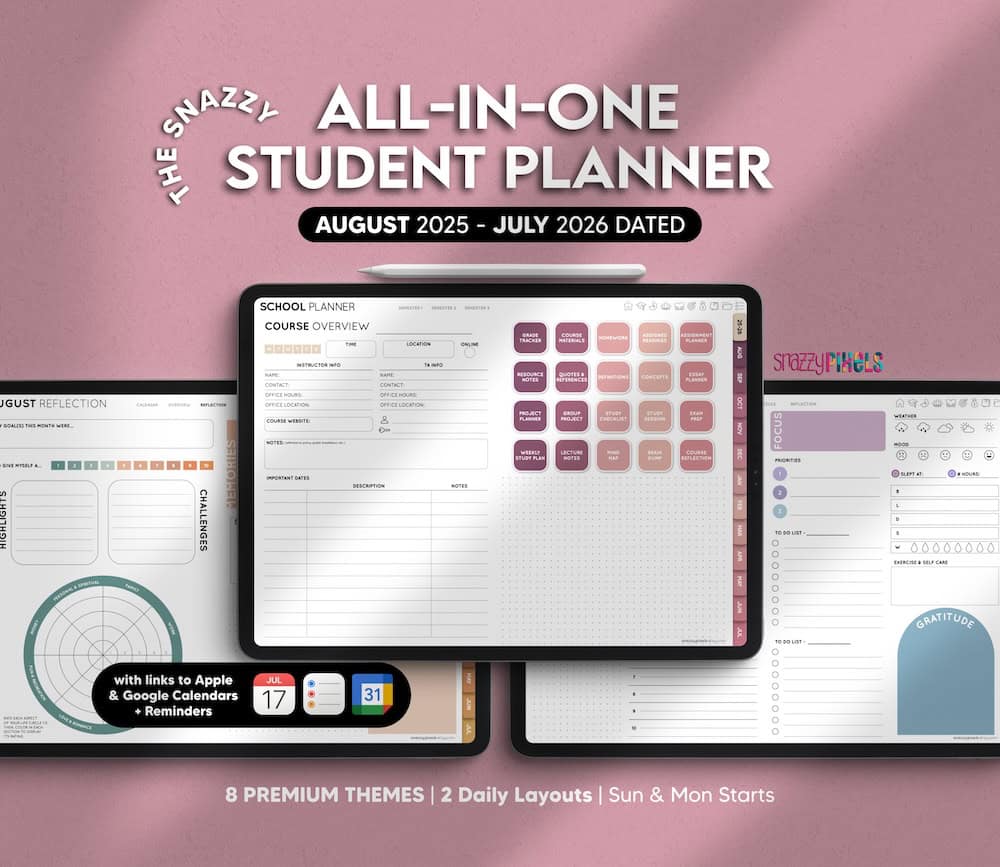
Ultimate Digital Student Planner (Landscape)
Digital Teacher Planner Sample
Tap on the hyperlinked teacher planning templates from the homepage and explore the first week of August to get a feel for the monthly/weekly/daily layouts.
Want to learn more or purchase? Check out the listing in my Etsy Shop! 😊
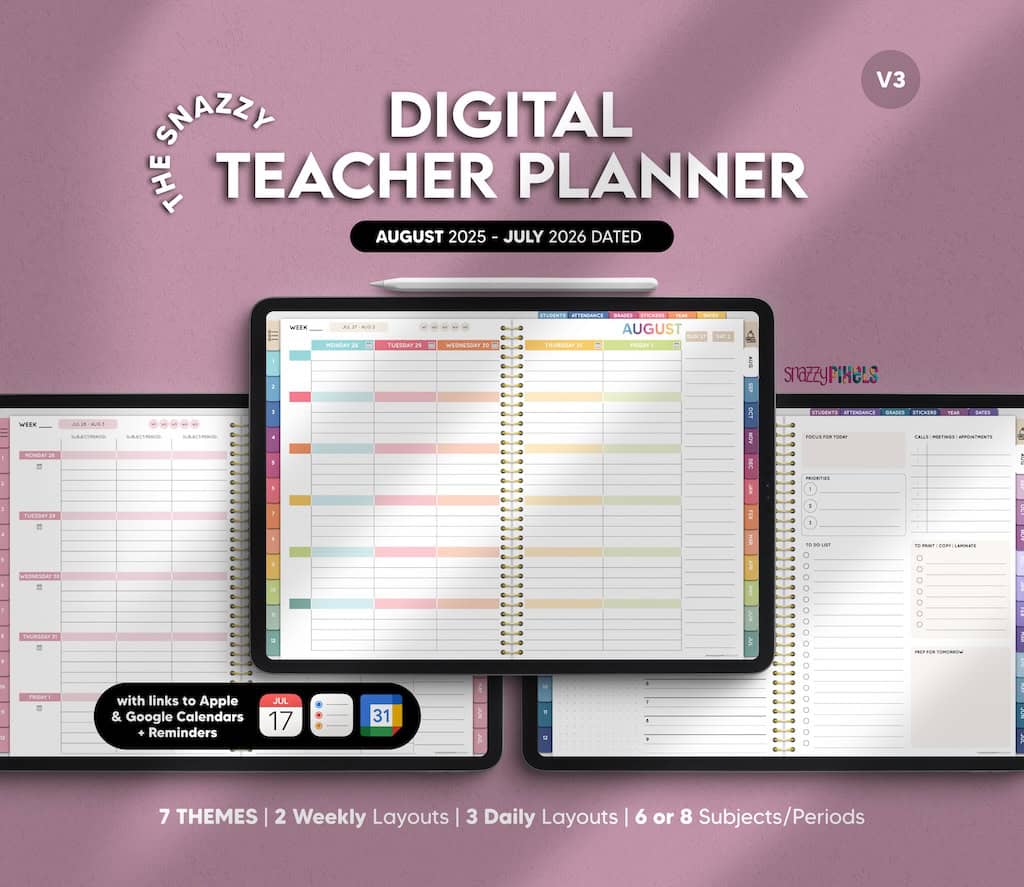
Ultimate Digital Teacher Planner (Landscape)
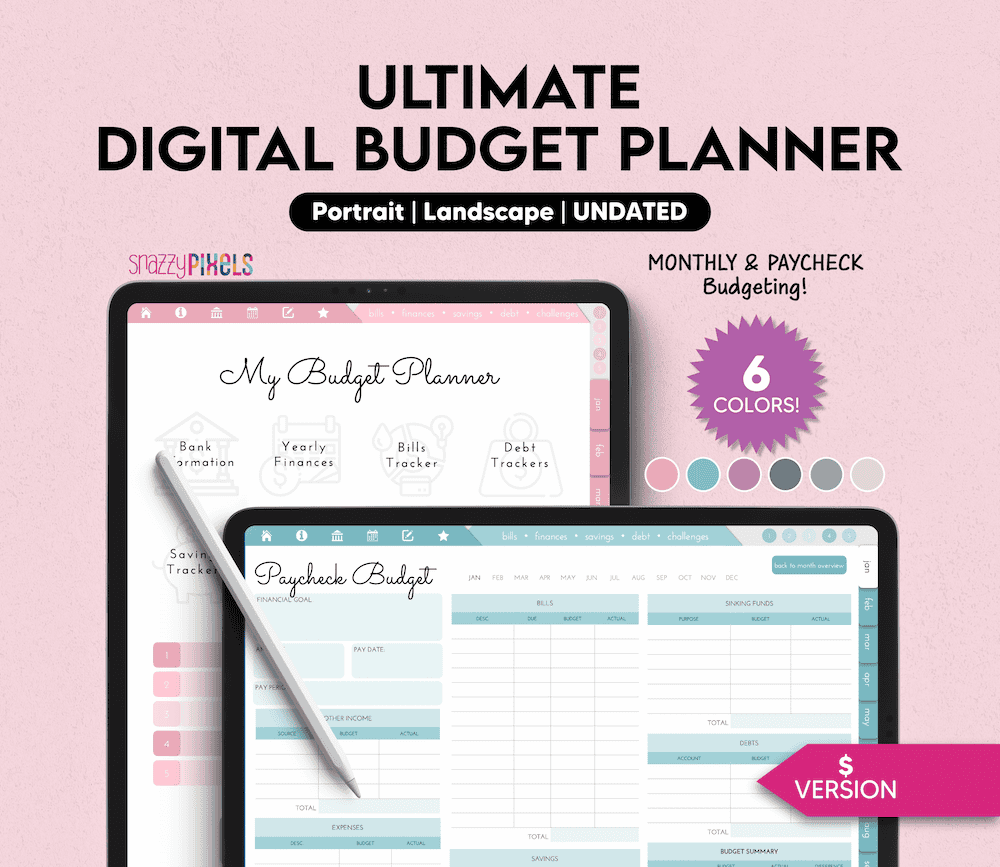
Digital Budget Planner Sample
Tap on the hyperlinked icons and tabs along the top and check out the January budgeting templates.
Want to learn more or purchase? Check out the listing in my Etsy Shop! 😊